
HOMEOWNER GUIDE
How to Read Architectural Plans as a Homeowner
Start with the sheet index and title block, then follow the building from the site plan into floor plans, elevations, sections, and enlarged details. Do not try to read every note in order. Use sheet numbers, view callouts, detail references, and revision marks to understand how one drawing points to another.
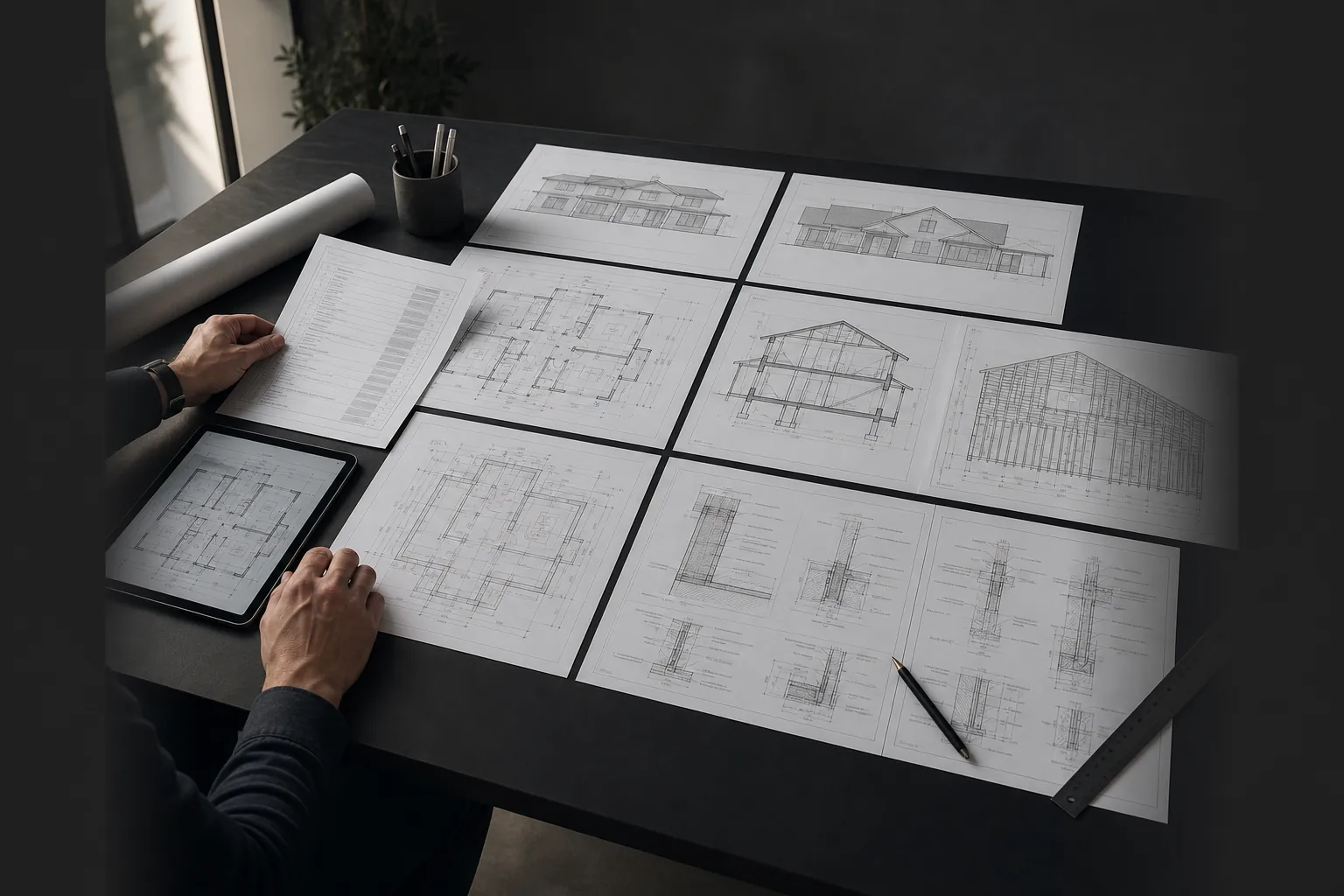
1. Read the cover sheet and index first
The cover sheet usually tells you the project description, property information, design team, applicable notes, drawing index, symbols, and abbreviations. Compare the index with the actual PDF pages. If the index lists A5.1 but the uploaded set jumps from A4.2 to A6.0, ask whether a sheet was omitted or intentionally removed.
2. Learn the title block
The title block identifies the printed sheet number, sheet title, project, issue date, and often revision history. The PDF page number shown by a viewer is not the same as the printed sheet number. Record both when discussing a problem: for example, "PDF page 12, sheet A2.1."
3. Use the site plan to locate the building
A site plan commonly shows property lines, setbacks, existing and proposed structures, north direction, access, utilities, grade information, and distances. What is required varies by jurisdiction and project. Use it to understand where the work sits, but do not infer zoning compliance from the picture alone.
4. Read floor plans as horizontal cuts
A floor plan shows the building as if it were cut horizontally and viewed from above. Follow room names, wall locations, doors, windows, stairs, fixtures, dimensions, and keynotes. Look for tags pointing to elevations, sections, schedules, or details. A circle or split reference might send you to detail 3 on sheet A5.2.
5. Compare elevations and sections
Exterior elevations show the faces of the building. Sections cut vertically through it. If a ceiling height, roof form, opening, or floor level looks different between plan, elevation, and section, capture all related references before asking the designer. The difference may be intentional, a revision mismatch, or a missing explanation.
6. Follow details and schedules
Enlarged details explain assemblies and connections at a larger scale. Door, window, finish, and equipment schedules collect repeated information. A wall type on the plan may depend on a wall-type schedule, and that schedule may point to another detail. Read the chain of references rather than one label alone.
7. Check dimensions, notes, and revisions together
Written dimensions generally control over measuring the PDF. General notes may apply to every sheet, while keynotes apply only where tagged. Revision clouds and delta symbols identify changes, but an old note can remain elsewhere. Ask which issue date and revision set is current before obtaining bids.
Sources and further reading
- California Architects Board: Building Official Information Guide (accessed August 13, 2026)
- Contra Costa County: Residential Plan Submittal Requirements (accessed August 13, 2026)
Apply the reading method to your own set
PlanDecode can organize visible sheet references and cross-sheet questions in one homeowner report.